
How to Create Viral Pinterest Pins: A Beginner’s Step-by-Step Guide to Getting More Clicks, Saves, and Traffic
Meta Description
Learn how to create viral Pinterest pins that attract clicks, saves, and website traffic. Discover design tips, Pinterest SEO strategies, and proven techniques beginners can use to grow fast.
Introduction
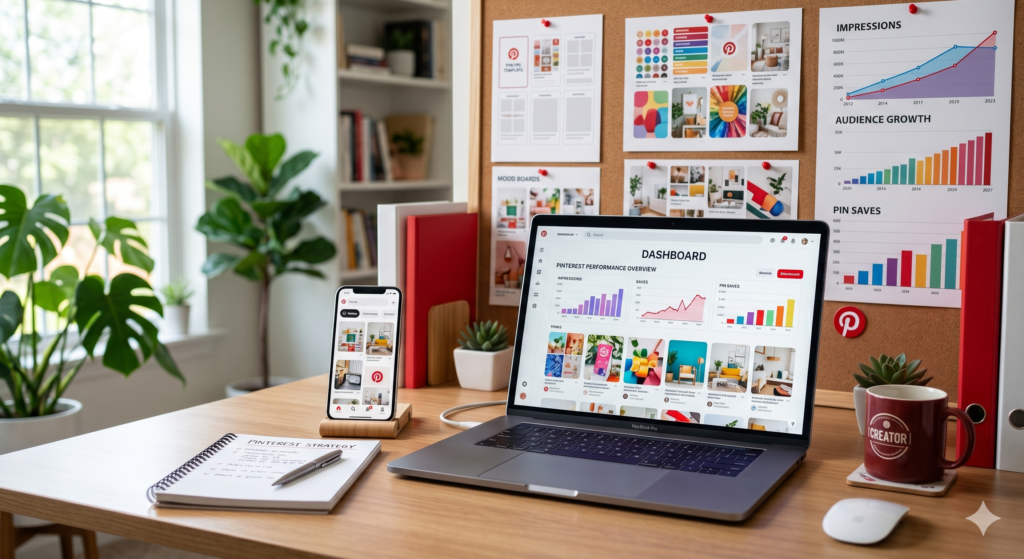
Pinterest is one of the most underrated traffic sources on the internet.
While platforms like Instagram and TikTok focus on short-lived content, Pinterest works more like a visual search engine. A single pin can continue driving traffic for months or even years after you publish it.
But here’s the challenge:
Thousands of new pins are uploaded every minute. If your design blends in with the crowd, it may never get noticed.
The good news? You don’t need professional design skills or expensive software to create viral Pinterest pins.
In this guide, you’ll learn exactly how to create eye-catching pins that people want to click, save, and share. Whether you’re promoting a blog post, affiliate offer, digital product, YouTube video, or online business, these strategies can help you stand out on Pinterest.
Let’s dive in.
Why Pinterest Pins Go Viral
Before creating pins, it’s important to understand why some pins explode with engagement while others receive almost no attention.
Most viral Pinterest pins share three characteristics:
- They solve a specific problem
- They grab attention instantly
- They make people curious enough to click
Pinterest users are actively searching for solutions, ideas, inspiration, and products.
For example:
Instead of searching for:
“Weight loss”
People search for:
- 30-day weight loss plan
- Easy healthy recipes
- Home workouts for beginners
The more specific your pin solves a problem, the more likely it is to perform well.
Understanding the Pinterest Algorithm
Many beginners think Pinterest is social media.
It isn’t.
Pinterest functions primarily as a search engine.
The algorithm looks at:
- Pin title
- Pin description
- Image quality
- Keywords
- User engagement
- Saves
- Clicks
- Relevance to search queries
This means good design alone isn’t enough.
Your pin must also be optimized for Pinterest SEO.
When design and SEO work together, your chances of creating viral Pinterest pins increase significantly.

Step 1: Choose a Topic People Are Already Searching For
One of the biggest mistakes beginners make is creating content nobody wants.
Instead of guessing, use Pinterest itself for research.
How to Find Viral Pin Ideas
Type a keyword into Pinterest search.
Examples:
- Affiliate marketing
- Side hustle
- Weight loss
- AI tools
- Home decor
Pinterest automatically suggests popular searches.
These suggestions come from real user searches.
Examples:
- Affiliate marketing for beginners
- AI tools for content creation
- Passive income ideas
- Pinterest marketing tips
These are excellent topics for pins because people are actively searching for them.
Step 2: Create a Strong Pin Title
Your title is often the first thing people notice.
Weak title:
“Marketing Tips”
Strong title:
“10 Affiliate Marketing Secrets Beginners Wish They Knew Earlier.”
Weak title:
“Pinterest Guide”
Strong title:
“How I Got 50,000 Monthly Pinterest Views in 60 Days”
Proven Title Formulas
Use:
- How to…
- X Ways to…
- Beginner’s Guide to…
- Secrets of…
- Mistakes to Avoid…
- Step-by-Step Guide…
- Best Tools for…
Examples:
- How to Start a Blog in 2026
- 15 AI Tools That Save Hours Every Week
- 7 Pinterest Marketing Mistakes Beginners Make
- The Ultimate Affiliate Marketing Blueprint
Specificity increases clicks.
Step 3: Design Pins That Stop the Scroll
Pinterest is highly visual.
If your design doesn’t capture attention within seconds, users will scroll past.
Best Pinterest Pin Size
Recommended ratio:
1000 × 1500 pixels
This vertical format performs best because it occupies more screen space.
Essential Design Elements
Include:
Large Readable Text
Users browse quickly.
Text should be readable even on mobile devices.
Example:
✔ EASY SIDE HUSTLES THAT PAY DAILY
Not:
✘ Tiny text requiring zoom
High-Quality Images
Use:
- Original photos
- Lifestyle images
- Product mockups
- AI-generated visuals
- Clean graphics
Avoid:
- Blurry images
- Pixelated graphics
- Cluttered backgrounds
Strong Contrast
Text must stand out.
Examples:
- Dark text on light background
- White text on dark background
High contrast improves readability.
Simple Layout
Avoid overcomplicating your design.
A clean layout often outperforms busy designs.
Good structure:
- Headline
- Supporting image
- Brand logo
- Website URL
Simple and effective.
Step 4: Use Colors That Attract Attention
Color psychology influences user behavior.
Popular Pinterest colors:
- Red
- Orange
- Pink
- Yellow
- Bright blue
These colors naturally attract attention in crowded feeds.
However, maintain consistency with your brand identity.
A recognizable style helps build trust over time.
Step 5: Add Curiosity Without Clickbait
Curiosity increases click-through rates.
But misleading users damages trust.
Good example:
“7 Pinterest Strategies Most Beginners Never Use”
Bad example:
“This Secret Made Me $1,000,000 Overnight!”
The first creates curiosity.
The second creates skepticism.
Always deliver what your headline promises.
Step 6: Optimize Every Pin for Pinterest SEO
Pinterest SEO is one of the most overlooked growth strategies.
Even beautiful pins can fail without proper optimization.
Use Keywords in These Areas
Pin Title
Example:
How to Create Viral Pinterest Pins for Beginners
Pin Description
Include naturally related keywords.
Example:
Learn how to create viral Pinterest pins using simple design principles, Pinterest SEO, keyword research, and engagement strategies that drive more traffic and saves.
Board Name
Examples:
- Pinterest Marketing Tips
- Blogging Traffic Strategies
- Affiliate Marketing Ideas
File Name
Instead of:
IMG12345.jpg
Use:
viral-pinterest-pin-design.jpg
Every optimization helps Pinterest understand your content.
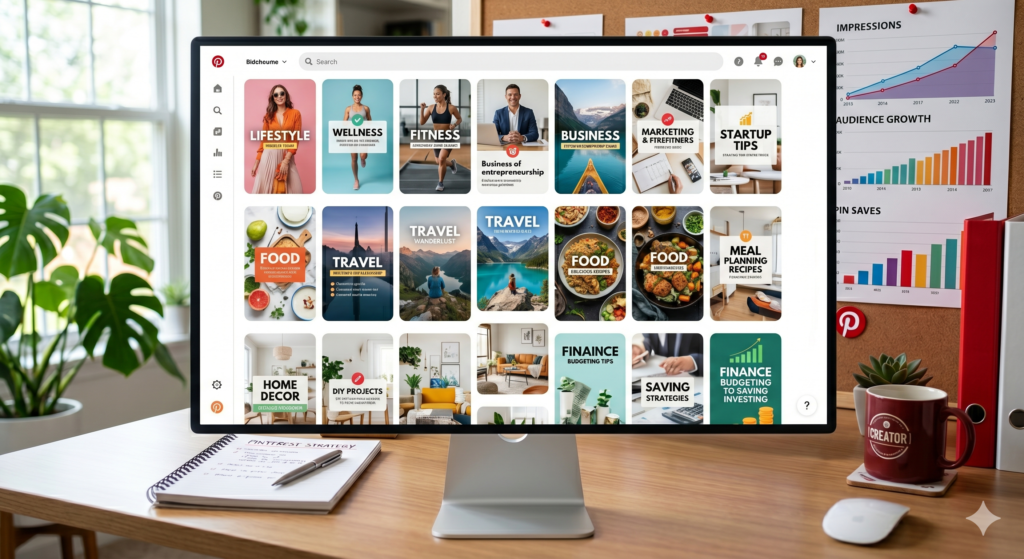
Step 7: Create Multiple Pin Designs
Many successful Pinterest marketers never rely on a single pin.
Instead, they create multiple versions.
For one blog post:
Create:
- Design A
- Design B
- Design C
- Design D
Different headlines.
Different colors.
Different layouts.
One design might receive 10 times more engagement than another.
Testing reveals what works.
Step 8: Include a Clear Call-to-Action
Tell users what to do next.
Examples:
- Read More
- Download Now
- Learn More
- Get the Guide
- See the Full Tutorial
A simple CTA can increase clicks significantly.
Don’t assume users automatically know the next step.
Guide them.
Step 9: Use Canva to Design Professional Pins
Canva is one of the easiest tools for beginners.
Benefits:
- Free version available
- Thousands of templates
- Drag-and-drop editor
- Pinterest-sized templates
- Easy customization
Simply:
- Choose the Pinterest Pin template
- Add image
- Add headline
- Customize colors
- Download
- Upload to Pinterest
You can create professional designs in minutes.
Step 10: Analyze What Performs Best
Pinterest provides valuable analytics.
Monitor:
- Impressions
- Saves
- Outbound clicks
- Engagement rate
Questions to ask:
- Which colors perform best?
- Which headlines get clicks?
- Which topics generate saves?
- Which designs attract engagement?
The data tells you what your audience wants.
Create more of what works.
Common Pinterest Pin Mistakes to Avoid
Many beginners unknowingly hurt their performance.
Avoid these mistakes:
Using Too Much Text
Keep messaging clear and concise.
Ignoring Keywords
Pinterest relies heavily on search intent.
Poor Image Quality
Low-quality visuals reduce engagement.
Misleading Headlines
Trust is more valuable than temporary clicks.
Posting Inconsistently
Consistency improves visibility and growth.
Copying Competitors Exactly
Learn from others but create your own style.
Pros and Cons of Pinterest Marketing
Pros
- Free traffic source
- Long-lasting content lifespan
- Beginner-friendly
- High buying intent audience
- Excellent for affiliate marketing
- Great for blogs and digital products
Cons
- Results may take time
- Requires consistency
- Competition in popular niches
- Design quality matters
- Trend changes require adaptation
Overall, the benefits far outweigh the disadvantages for most content creators.
A Simple Viral Pinterest Pin Formula
If you’re just starting, follow this formula:
- Find a trending keyword
- Create a curiosity-driven title
- Use a vertical design
- Add bold, readable text
- Use bright, attractive colors
- Optimize the title and description with keywords
- Create multiple pin variations
- Publish consistently
- Monitor analytics
- Improve based on results
Repeat this process regularly, and your Pinterest traffic will grow over time.
Conclusion
Creating viral Pinterest pins isn’t about luck.
It’s about understanding what users want, designing visually appealing content, and optimizing every pin for search visibility.
Focus on solving specific problems, creating strong headlines, using high-quality visuals, and implementing Pinterest SEO best practices.
Remember that virality often comes from consistency rather than a single perfect pin.
Start by creating several pins around one topic, test different designs, analyze the results, and continue improving.
Over time, you’ll discover exactly what resonates with your audience and drives the most clicks, saves, and website traffic.
The best time to start creating better Pinterest pins is today.
FAQs
1. How many Pinterest pins should I post per day?
Beginners can start with 3–10 pins daily. Consistency is more important than volume.
2. Do I need Canva Pro to create viral Pinterest pins?
No. Canva’s free version provides enough templates and tools to create professional Pinterest pins.
3. How long does it take for a Pinterest pin to go viral?
Some pins gain traction within days, while others may take weeks or months. Pinterest content often performs over a long period.
4. What is the ideal Pinterest pin size?
Pinterest recommends a 2:3 aspect ratio, typically 1000 × 1500 pixels.
5. Can Pinterest drive traffic to affiliate links and blogs?
Yes. Pinterest is one of the best platforms for promoting blogs, affiliate offers, digital products, online stores, and lead-generation pages when used correctly.